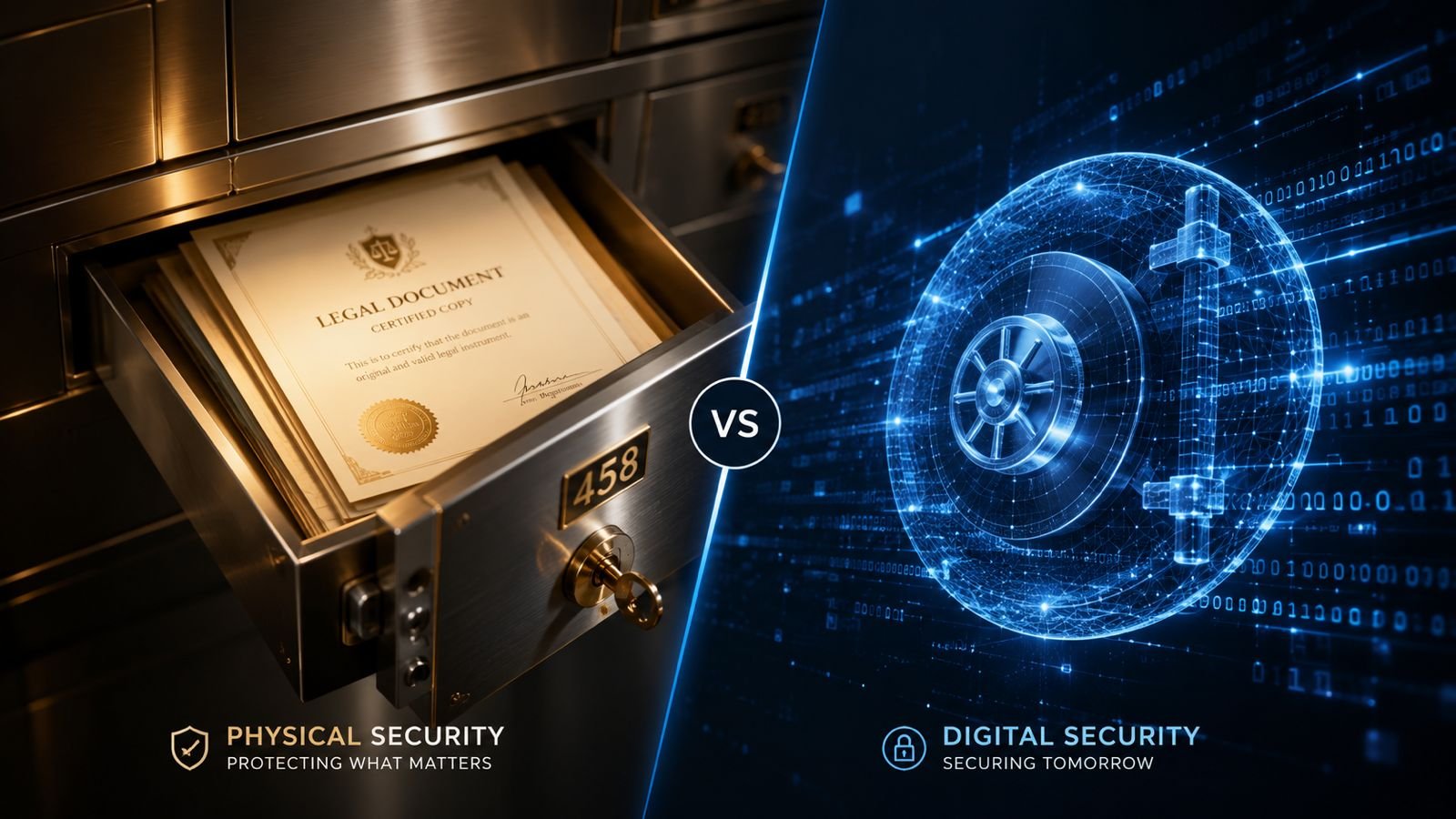
Most of us have a folder somewhere — a bank locker, or maybe just a shoebox stuffed with property papers, insurance policies, and old certificates we're terrified of losing. And now, increasingly, we also have a phone full of scanned PDFs and a cloud drive we half-trust with the same documents. The question of where your important papers should actually live isn't going away, and it's worth answering properly instead of defaulting to whatever your parents did.
Lose a property deed, and you could spend months in court proving ownership. Lose access to a digital vault because you forgot a password with no recovery option, and you might be locked out just as badly. So let's compare physical and digital vaults on the things that actually matter: safety, accessibility, and long-term reliability.
What Counts as a "Vault" Today
A physical vault could be a bank safe deposit locker, a fireproof home safe, or a well-organised filing cabinet with restricted access. A digital vault ranges from a password-protected folder on your laptop to a dedicated encrypted cloud service or a government platform like DigiLocker. Both exist to protect documents from loss, damage, theft, or unauthorised access — but through completely different mechanisms.
Physical Vaults: The Familiar Choice
Physical storage has been the default for generations, and for certain documents it still carries weight that a digital copy doesn't. Original property deeds, wills, and share certificates often need to exist in their original, signed form for legal purposes.
Where physical storage wins:
- Legal originality — Courts and registrars often require the original document, not a scan, especially for property and inheritance matters.
- No technology dependency — A locked safe doesn't need Wi-Fi, a password manager, or a functioning app to open.
- Harder to hack remotely — Someone would need physical access to steal or tamper with a document; there's no server to breach from another country.
Where physical storage falls short:
- Vulnerable to disasters — Fire, flooding, termites, or simple misplacement can destroy irreplaceable originals in minutes.
- Limited accessibility — You can't retrieve a document from your bank locker on a Sunday evening when you suddenly need it.
- No backup by default — Unless you've made copies, one damaged original means the information is gone for good.
Digital Vaults: Convenience With New Risks
Digital storage has grown popular for good reason — it's instant, searchable, and if done right, can be backed up in multiple places at once. In India, platforms like DigiLocker have pushed this further by letting people store verified digital copies of documents like driving licences, PAN cards, and educational certificates in one government-linked account.
Where digital storage wins:
- Accessibility anywhere — Pull up a scanned document from your phone during a job interview, a loan application, or a hospital visit.
- Redundancy — Cloud storage typically saves data across multiple servers, so one device failure doesn't wipe out everything.
- Easy to organise and search — Finding a five-year-old insurance policy takes seconds instead of an hour of rummaging through files.
Where digital storage falls short:
- Cybersecurity threats — Weak passwords, phishing attacks, or data breaches can expose sensitive information to strangers.
- Platform dependency — If a service shuts down, changes its policies, or you lose account access, retrieving documents can become a real headache.
- Legal limitations — Many authorities still don't accept digital copies as substitutes for notarised or original paper documents.
Building a Hybrid Document Security Strategy
Rather than treating this as an either-or decision, think of it as layered protection — the same way you wouldn't rely on just one lock for your front door.
- Keep originals of legally critical documents physically secure. Property papers, wills, and share certificates belong in a fireproof safe or bank locker.
- Scan everything and store copies digitally. High-quality scans in a password-protected, encrypted cloud folder give you a backup you can access instantly.
- Use two-factor authentication on every digital storage account. This single step blocks the majority of unauthorised access attempts.
- Review and update your vaults periodically. Documents get renewed, replaced, or added over time — an outdated vault is only half useful.
- Share access instructions with someone you trust. A locker or account that only you know how to access can become a serious problem for family members in an emergency.
Which One Should You Actually Use?
If you're storing something that carries legal weight — a sale deed, a will, an original degree certificate — a physical vault remains non-negotiable, at least until digital documents gain wider legal acceptance in India. But for everyday accessibility, quick reference, and disaster-proofing against fire or water damage, a well-secured digital vault is hard to beat.
The real mistake isn't choosing digital over physical, or vice versa. It's assuming one method alone is enough. Document security today means treating your important papers the way you'd treat savings: spread across more than one safe place, protected against more than one kind of risk.
Final Thoughts
Physical and digital vaults aren't really competitors — they cover each other's weaknesses. A locker protects against hacking; a cloud backup protects against fire. Keep your legally essential originals safe in a physical vault, and maintain secure, well-organised digital copies for everything else. That way, whether it's a break-in, a monsoon flood, or a forgotten password, you're never left without access to the documents that matter most.